Create. Generate. Organize.
A focused workspace for managing image and video generation workflows with Google Flow.
Create prompts, queue multiple generations, monitor your workflow, and automatically organize generated images and videos into the folders you choose.
Independent third-party Chrome extension. Not affiliated with or endorsed by Google.
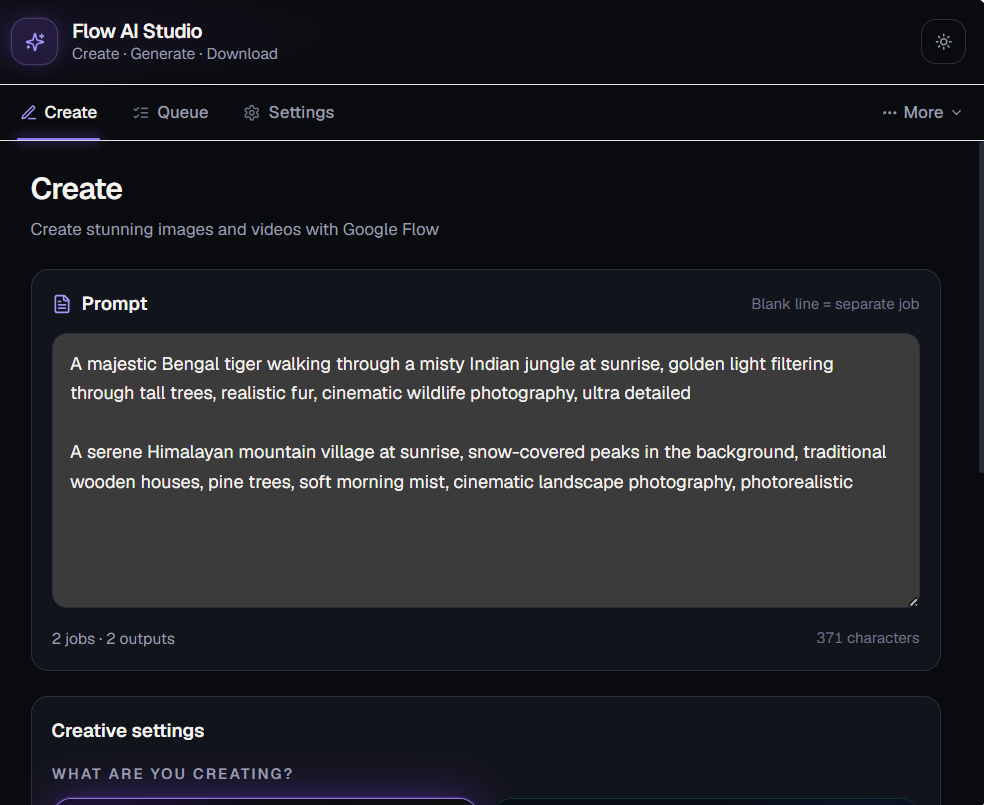
Stop managing every generation manually.
- Write prompt
- Open Flow
- Generate
- Find the file
- Rename
- Move the file
- Repeat
- Create
- Queue
- Generate
- Download
- Organize
Your creative workflow, without the busywork.
Four steps from idea to organized output.
Create
Write or paste your image and video prompts.
Queue
Add multiple prompts to the generation queue.
Generate
Start generation and keep Google Flow open while generation runs.
Organize
Automatically organize generated files into the folders you choose.
Everything the V1 workspace includes.
Prompt Studio
Create image and video prompts from one focused workspace.
Generation Queue
Queue multiple generation jobs and manage their progress.
Custom Downloads
Choose where generated images and videos are saved.
Prompt Library
Save, search and reuse your prompts.
Import & Export
Export and import prompt configurations.
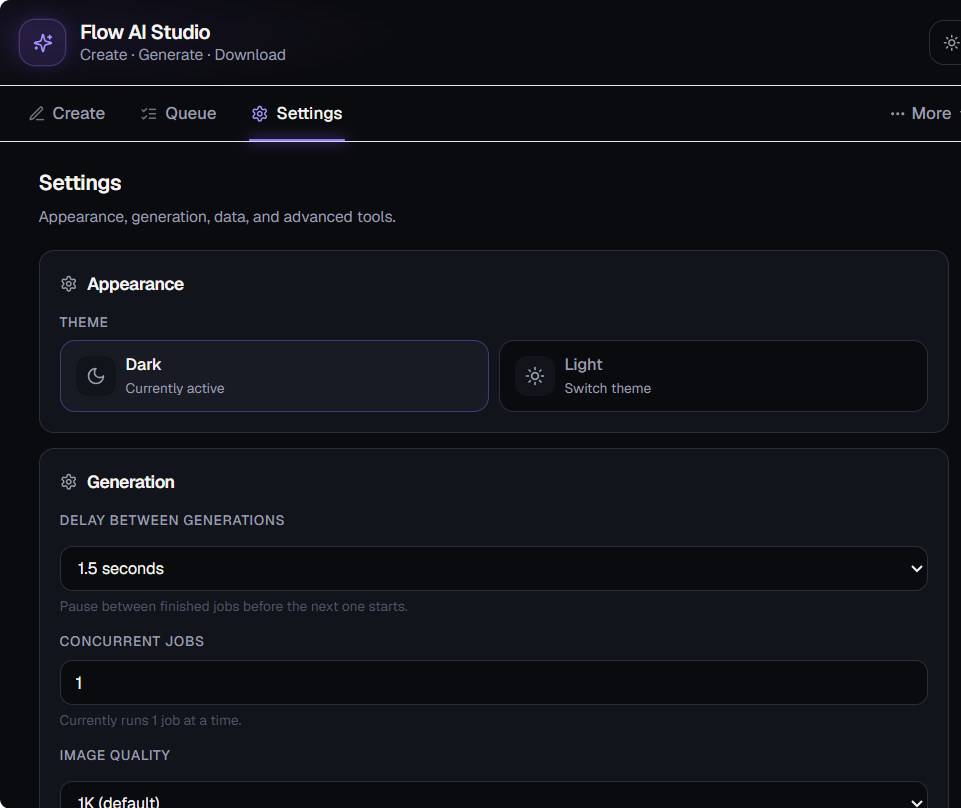
Dark & Light Themes
Use the workspace appearance you prefer.
Your files. Your folders. Automatically organized.
Choose your download location and keep generated images and videos organized without manually moving files after every generation.
Example folder layout — your download location and folder names are yours to choose.
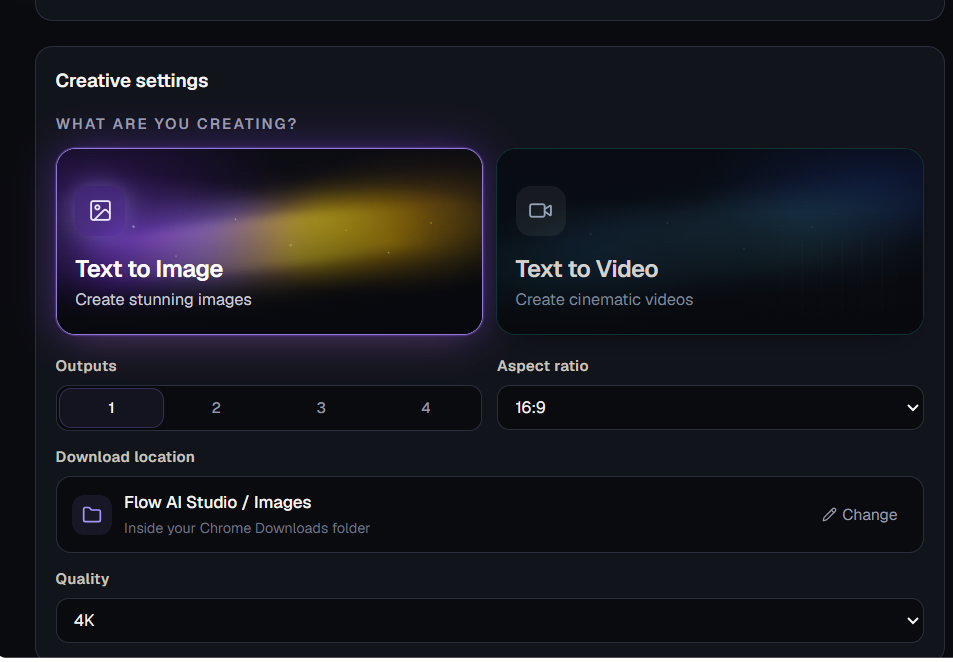
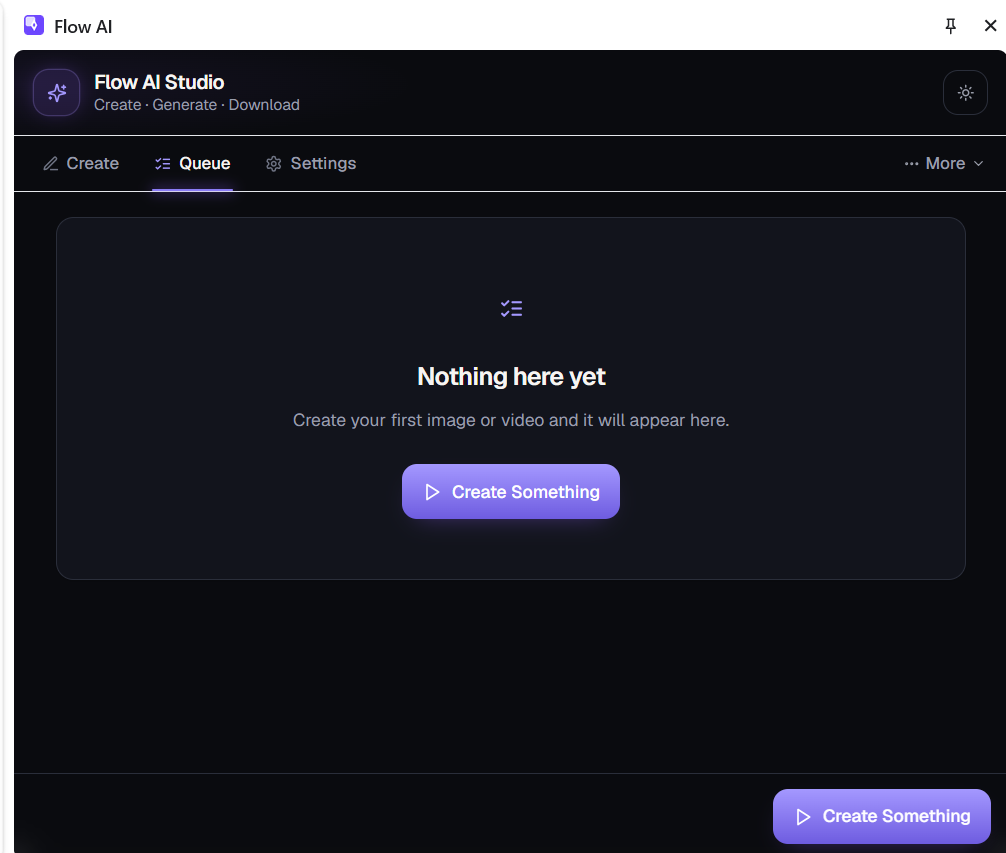
Queue your creative work.
Organize multiple generation jobs and monitor their progress from one workspace.
A closer look at the workspace.
Frequently asked questions.
Ready to simplify your creative workflow?
Create prompts.
Queue your work.
Generate with Flow.
Keep your files organized.
Flow AI Studio is an independent third-party Chrome extension and is not affiliated with or endorsed by Google.